
Infrastructure, not a trading shortcut
If Your MT4 or MT5 Setup Depends on Your Home Computer Staying Perfect, Your Infrastructure Has a Weak Point
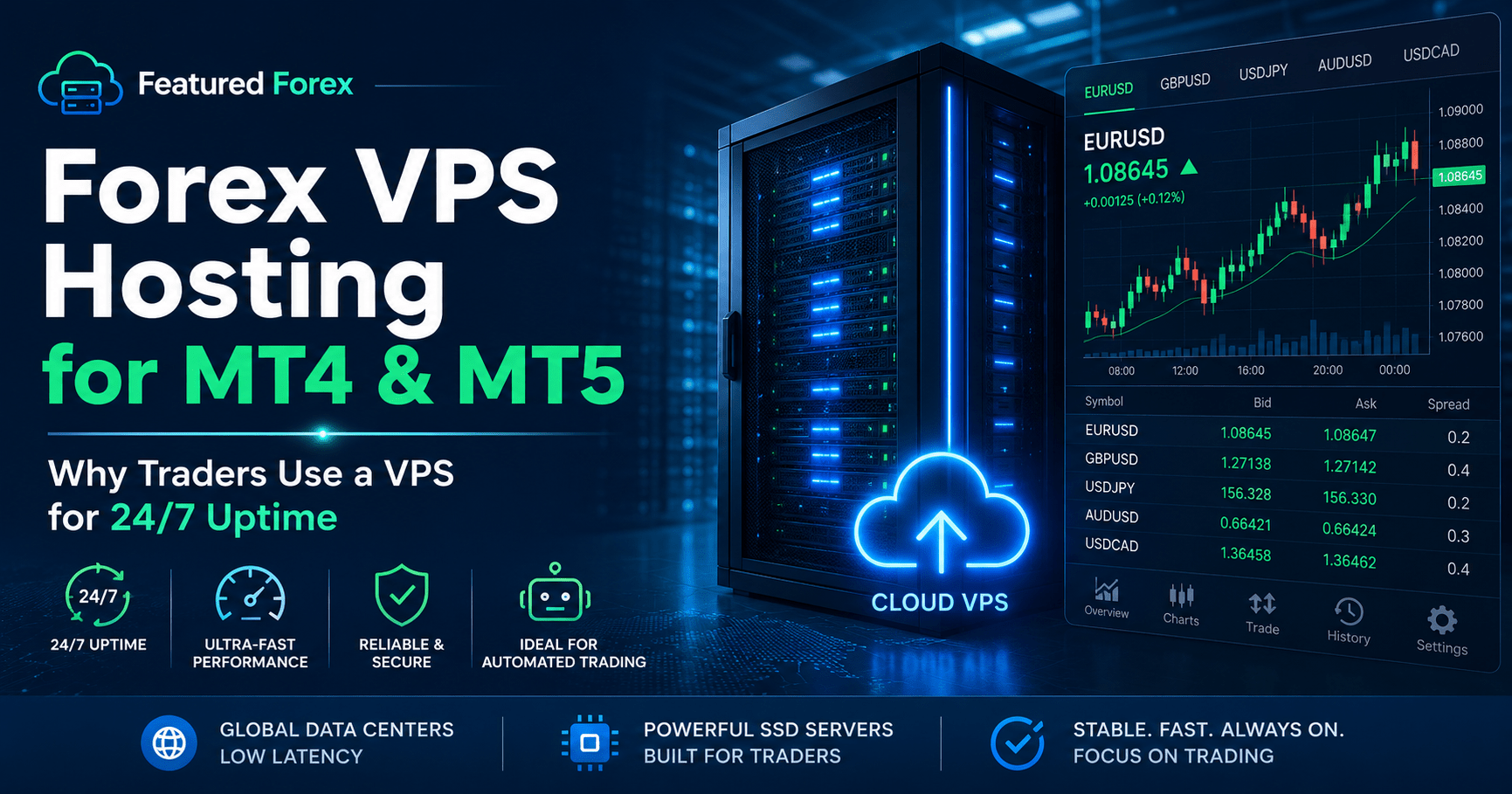
Forex VPS hosting uses a remote Windows server to keep platforms such as MetaTrader running continuously. It may be useful for traders who use Expert Advisors, maintain multiple terminals, travel frequently, or cannot depend on a home computer and internet connection around the clock.
Your local laptop can be closed while the remote server continues operating.
Affiliate disclosure: Featured Forex may earn a commission if you purchase through links on this page. This does not increase the price you pay. We have not independently tested every plan, location, latency claim, or feature. Verify current specifications, terms, pricing, and compatibility directly with the provider before purchasing.
The real problem a VPS solves
What Forex VPS Hosting Solves for Traders
A trading strategy may be carefully planned, but its software still depends on electricity, internet access, computer stability, and the connection between the platform and the broker. Forex VPS hosting moves that workload away from your home computer and onto a remote server in a data center.
Local outages
A power interruption, router failure, or internet outage can disconnect a trading platform running only on your home computer.
Computer interruptions
Forced updates, restarts, overheating, sleep settings, or a device crash can interrupt indicators, alerts, and automated systems.
Connection distance
Network routing and physical distance from a broker’s server can affect latency. A closer VPS location may improve the connection path, but results vary.
Set the right expectation
What Forex VPS Hosting Can—and Cannot—Do
A VPS may help with:
- Keeping supported trading software online continuously
- Running Expert Advisors or automated systems away from a home PC
- Accessing the same remote trading environment while traveling
- Running multiple terminals when the plan has adequate resources
- Reducing exposure to local power, router, and computer interruptions
- Locating the platform closer to a compatible broker server
A VPS cannot:
- Turn an unprofitable strategy into a profitable one
- Guarantee fills, eliminate slippage, or control market volatility
- Protect a trader from excessive leverage or poor position sizing
- Verify that an Expert Advisor is safe, reliable, or profitable
- Replace broker research, backtesting, monitoring, or risk controls
- Guarantee uninterrupted service under every possible circumstance
How the setup works
How Forex VPS Hosting Connects Your Device to the Broker
You connect securely to a remote server, install or configure your supported trading platform, and then manage that environment from your own device. The platform runs on the VPS rather than relying solely on your local computer.
Partner service overview
Forex VPS Hosting Features Advertised by VPS Forex Trader
VPS Forex Trader positions its service specifically for traders using platforms and automated strategies. Its current website highlights several server locations, scalable plans, Windows-based environments, remote access, backups, security protections, and support. Provider details can change, so confirm all specifications directly on the current offer page.
Always-on environment
Designed to keep supported trading terminals running without leaving your personal computer powered on.
Multiple server regions
The provider advertises locations in major financial and data-center regions. Select based on your broker’s server—not your own home address alone.
Trading-platform use
Plans are marketed for MetaTrader and other compatible trading software. Confirm operating-system and platform requirements before ordering.
Security and backups
The provider advertises DDoS protection and backup options. Review exactly what is included with the plan you select.
Scalable resources
Different plans provide different processor, memory, storage, and terminal capacities. More charts and EAs generally require more resources.
Technical support
The service advertises support for server and access issues. Trading decisions, software logic, and strategy performance remain your responsibility.
Is it worth paying for?
Who May Benefit From Forex VPS Hosting?
| Trading situation | A VPS may be useful when… | It may be unnecessary when… |
|---|---|---|
| Automated strategies | An EA or bot must remain active during defined market hours. | You do not use automation or can reliably keep your own system online. |
| Manual trading | You need a consistent remote workspace or frequently move between devices. | You trade occasionally and your current platform setup is stable. |
| Multiple terminals | Your computer struggles with several platforms, charts, indicators, or accounts. | You run one lightweight terminal with no performance problems. |
| Home connectivity | Your local power or internet service is unreliable. | Your connection is dependable and interruptions would not affect your workflow. |
| Latency-sensitive setup | You have measured latency and identified a materially better server location. | You have not tested your broker connection or your strategy is not latency-sensitive. |
Buy based on requirements
Forex VPS Hosting Buyer Checklist
Do not select a VPS from a headline alone. Match the service to the trading software, broker connection, resource usage, and support you actually need.
- Find your broker’s server location.
Choose a VPS region based on the broker’s infrastructure and measured network path. - Count every terminal and account.
Include each MetaTrader or other platform instance you expect to run. - Estimate the workload.
Heavy indicators, many charts, logging, and several EAs may require more memory and CPU. - Verify platform compatibility.
Confirm the operating system, platform version, remote-access method, and software permissions. - Read the backup policy.
Determine backup frequency, retention, restoration procedures, and whether backups cost extra. - Review the service terms.
Check uptime language, refunds, billing renewal, cancellation, support scope, and tax treatment. - Test before migrating fully.
Run a demo or low-risk test environment before relying on the server for a live strategy. - Keep monitoring the system.
A VPS still requires updates, security practices, performance checks, and strategy supervision.
Next step
Review the Server Location, Resources, and Terms Before You Choose a Plan
A forex VPS hosting plan should support a process you already understand. Compare the plan against your platform count, broker location, automation needs, budget, and risk controls—then verify the current offer directly with the provider.
Common questions